
 Hajra Naz
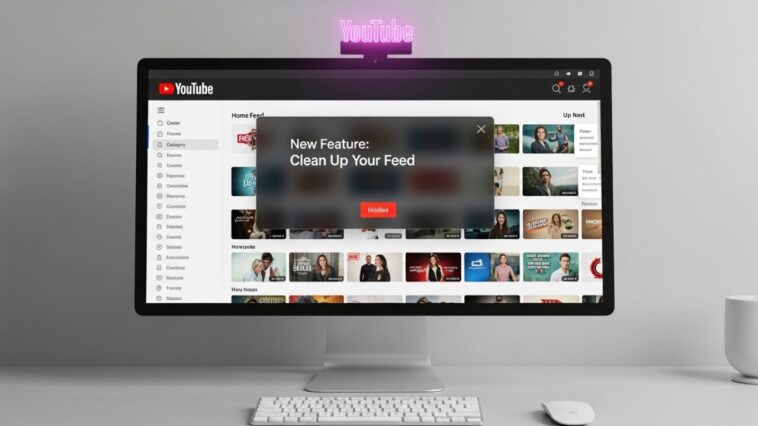
YouTube knows users struggle to find videos that match their interests. The platform is testing a new feature called “Your Custom Feed.” It is part of a wider push toward stronger personalization and better algorithm control.
Users often feel stuck with recommendations that miss the point. The YouTube algorithm can misread simple viewing behavior. Watching a few Disney clips may trigger a full wave of related content. This can crowd out what people actually want. It creates a messy home feed and weak content discovery.

The new test gives users more influence. People in the experiment will see “Your Custom Feed” next to the “Home” button. Tapping it lets you enter short prompts linked to your interests. This turns your feed into an interactive space shaped by your input.
You no longer scroll through random picks. You can tell YouTube what you want. Typing “cooking,” “travel vlogs,” or “AI tutorials” will shift future recommendations. It works like a real-time filter for the entire feed.
Read More: YouTube Introduces Timer to Help You Limit Shorts Scrolling
This experiment could help users gain smoother control over the platform. It may be stronger than hitting “Not Interested” or “Don’t Recommend Channel” on single videos. It fits current social media trends where users want more freedom to guide recommendation engines.
Other platforms are testing similar systems. Threads is trying an algorithm-settings option. X is building a feature that lets users tag its AI chatbot, Grok, to adjust the feed. Personalization tech is becoming a clear focus across platforms.
FAQs
1. What is YouTube’s “Your Custom Feed”?
It is a test feature that lets users shape their home feed by typing interest-based prompts.
2. How does it improve recommendations?
It gives YouTube direct guidance instead of relying only on watch history and algorithm signals.
3. Who can access the “Your Custom Feed” feature right now?
Only users selected for the experiment will see the option next to the Home button.
4. Will “Your Custom Feed” feature replace the “Not Interested” option?
No. It works as an extra control, not a replacement.


