
 Hajra Naz
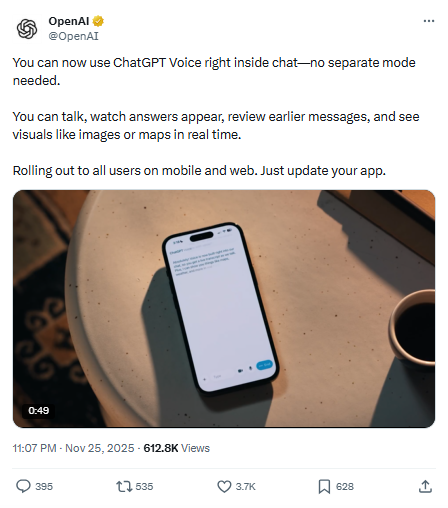
ChatGPT Voice is becoming easier to use. OpenAI shared an update that changes how the feature appears. You can now use ChatGPT Voice inside the main chat window. You no longer need to switch to a different screen.
You can speak to the chatbot and watch your replies appear at the same time. You can also see shared images, maps, and other visuals as you talk. Before this update, you were pushed to a separate interface with an animated blue circle. That screen offered a mute button, a live video option, and an X button to return to text mode.

During older voice sessions, you could only listen. You could not read the lines that ChatGPT spoke. Missing a reply meant switching out of voice mode to see the text. This created friction for many users.
The new setup fixes that issue. You can talk and follow the text on the screen. You can scroll through earlier messages. You can check visuals in real time. This helps the flow feel steady and natural.
You can switch between speech and text in one place. You only need to tap “end” when you want to return to typing. The updated interface is now the default. OpenAI is rolling it out across web and mobile apps.
If someone still wants the older layout, they can choose it. OpenAI kept a “Separate mode” option inside “Voice Mode” under “Settings.” This brings back the original voice-only screen.
This update arrives as voice AI becomes a trending topic. Users want smooth voice chat, faster responses, and stronger multimodal tools. OpenAI is pushing deeper into real-time voice AI, natural conversation, and smart UI features.


