Hassan Khan
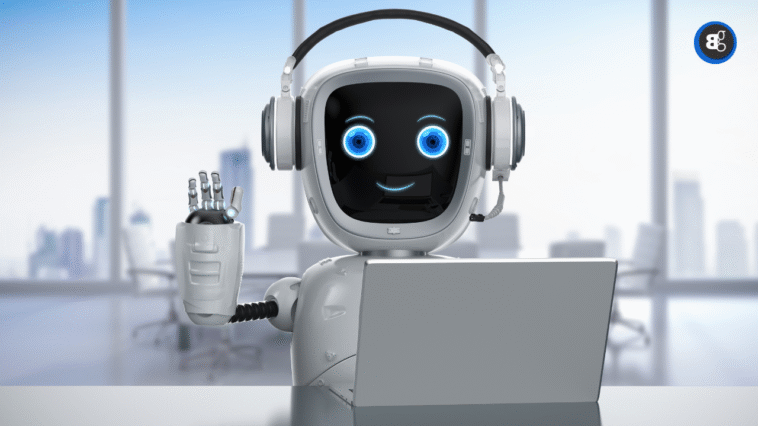
We’ve all sat through those endless meetings where, by the end, no one’s really sure what was decided. Or maybe you’ve been the person trying to write notes while still keeping up with the discussion. That’s where AI Powered Meeting Assistants come in.
These tools don’t just record conversations, they actually listen, analyze, and summarize in real time. Imagine leaving a meeting with clear action points, tasks already synced to your calendar, and zero stress about missing details. Whether you’re freelancing, managing a team, or juggling back to back client calls, an AI Meeting Assistant can make life a lot easier.

What Exactly Are AI Meeting Assistants?
At their core, AI meeting assistants are smart digital helpers that take the pain out of meetings. They join your Zoom, Teams, or Google Meet calls, transcribe everything, and then pull out the highlights you actually need. Thanks to natural language processing, they don’t just capture words they understand context, identify tasks, and flag decisions.
See More: OpenAI to Launch AI-Powered Jobs Platform to Challenge LinkedIn by 2026
Think of them as the colleague who remembers everything, even when you don’t. For example, if your client says, “Let’s revise the design by Friday,” the assistant can automatically create a Trello task. That way, nothing slips through the cracks.
Key Benefits of Using AI Powered Meeting Assistants
These tools bring real value to busy professionals. Here’s why people swear by them:
- Accurate Notes: Say goodbye to messy scribbles or forgotten points.
- Instant Task Creation: Turn discussions into action items.
- Save Time: Spend less time recapping, more time working.
- Better Team Alignment: Everyone gets the same summary, reducing confusion.
- Language Support: Some even translate in real time for global teams.
Picture this: instead of writing a long follow up email after every meeting, the AI assistant sends a ready made summary to your whole team. That’s time back in your day.
Real Life Use Cases of AI Powered Meeting Assistants
Here’s how professionals are putting these assistants to work:
- Remote Teams: Keeps everyone aligned across time zones.
- Client Calls: Lets freelancers focus on conversations without stressing about notes.
- Corporate Meetings: Helps managers track responsibilities without rewatching recordings.
- Education & Training: Summarizes lectures or sessions for students and trainees.
Read More: 4 AI-Powered Presentation Prompts
A friend of mine who runs a small agency told me that since using an AI assistant, they save hours every week. Instead of rewatching calls, they get a clear, actionable summary right away.
Top 5 AI Meeting Assistants You Must Try
No 1. ‘Otter.ai’ The Smart Notetaker
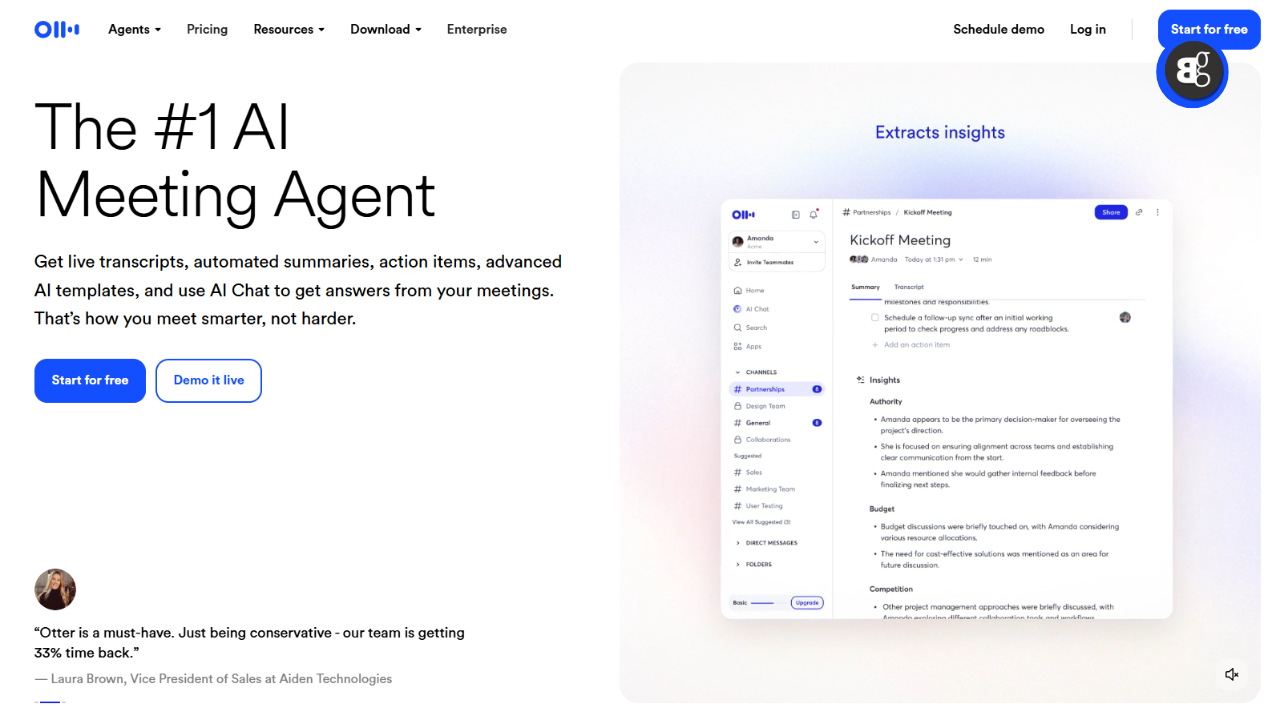
Otter.ai is one of the most trusted names in AI note taking. It records conversations, transcribes in real time, and highlights key points. You can even add images or slides to notes, making it a favorite for students, journalists, and busy professionals.
Key Features
- Real time transcription with high accuracy
- Automatic highlights of important keywords
- Add slides or images to notes
- Team collaboration with comments and shared notes
- Integrates with Zoom, Google Meet, and Teams
No 2. ‘Fireflies.ai’ The All in One Assistant
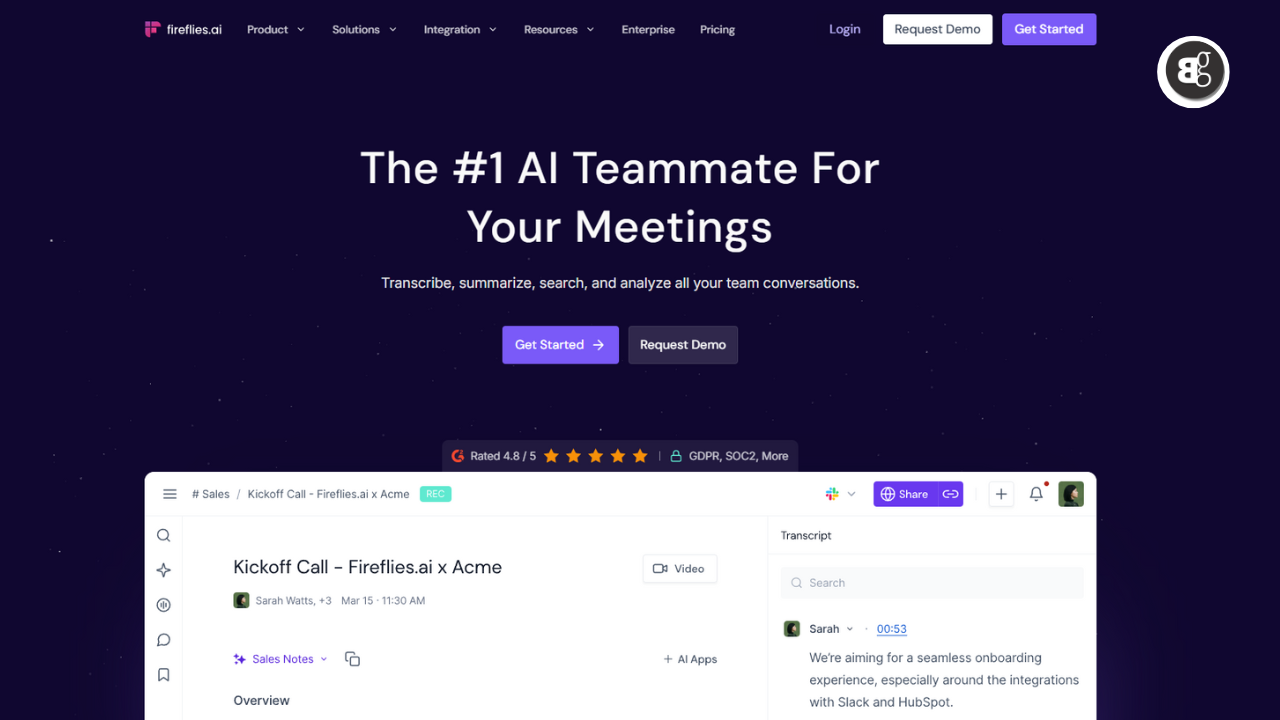
Fireflies.ai takes things further by connecting with project management tools. If a client sets a deadline, Fireflies can automatically create a task in Asana or Trello. It also has a searchable voice library so you can find specific moments without rewatching the entire call.
Key Features
- Records & transcribes meetings across platforms
- Creates tasks in Slack, Trello, Asana
- Searchable “voice library”
- Works with video, audio, and dial ins
- Analytics dashboard for meeting insights
No 3. ‘MeetGeek’ Summaries Made Simple
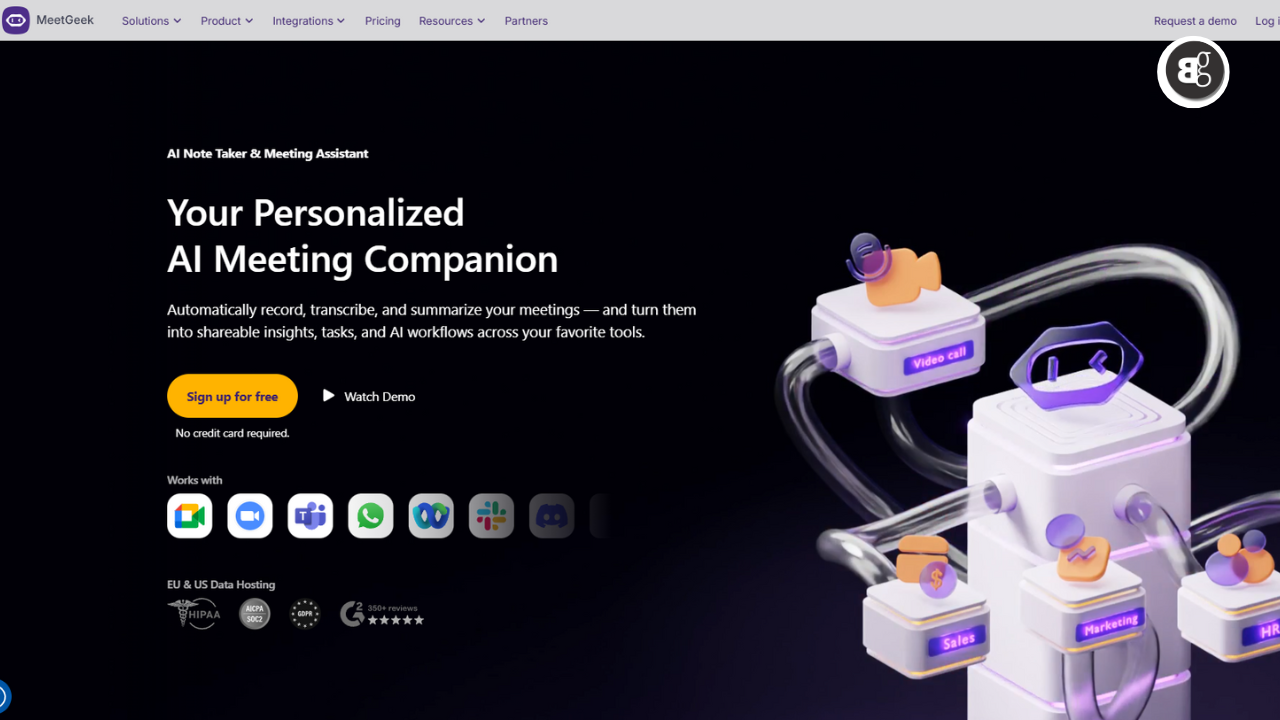
MeetGeek is perfect if you hate long transcripts. It delivers structured highlights with decisions, tasks, and action points neatly organized.
Key Features
- Creates clear meeting summaries
- Highlights decisions and tasks
- Shares notes automatically with your team
- Integrates with Slack, HubSpot, Google Drive
- Customizable templates for different meeting types
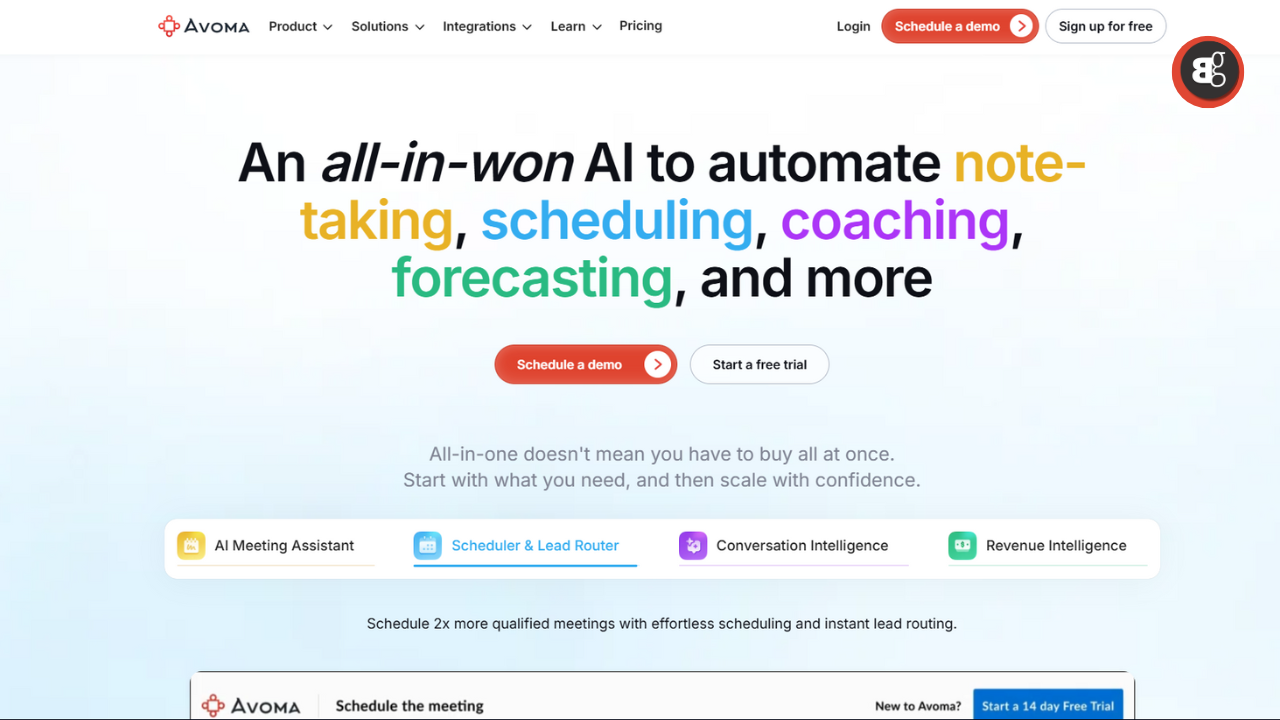
No 4. ‘Avoma’ Built for Sales Teams
Avoma goes beyond transcription it analyzes conversations. For sales teams, it tracks talk to listen ratios, objections, and sentiment, making it a great coaching tool.
Key Features
- Conversation intelligence for coaching
- CRM integrations (Salesforce, HubSpot)
- Smart tagging and searchable transcripts
- Automated notes linked to sales stages
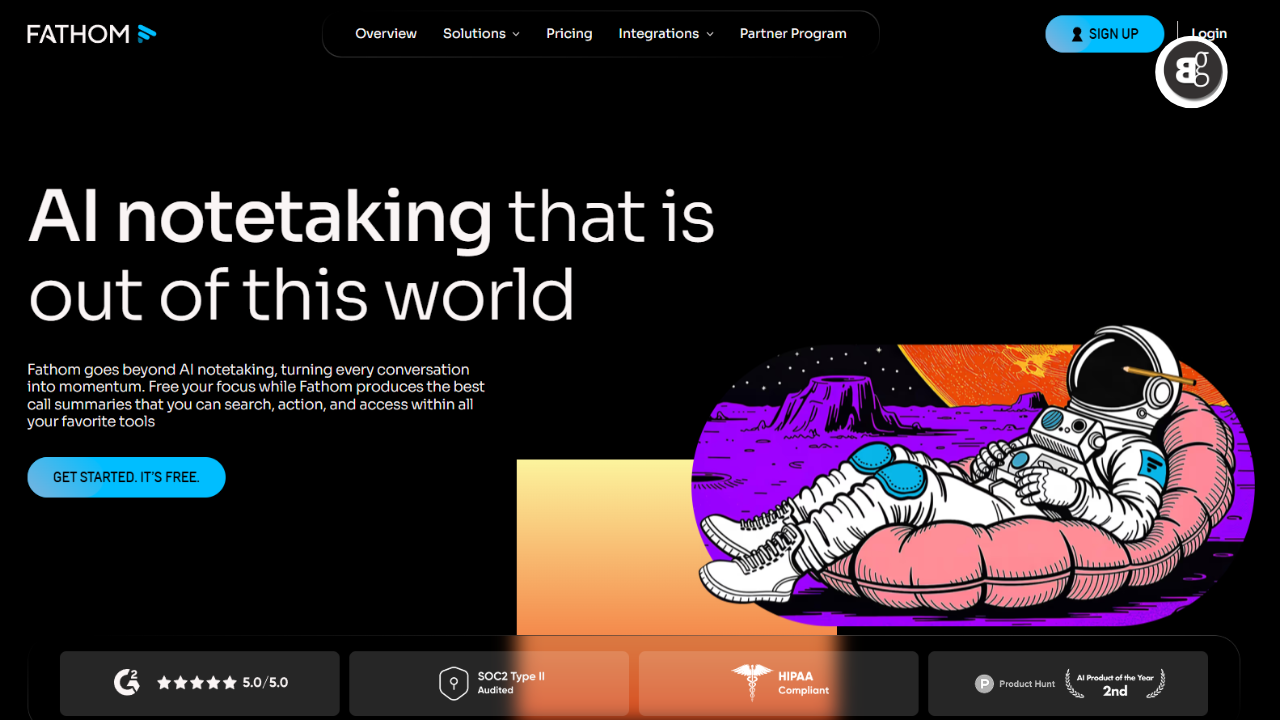
No 5. ‘Fathom’ A Free Zoom Assistant
Fathom is a great entry point if you’re mainly on Zoom. It records, highlights, and summarizes meetings for free. You can highlight key points with one click during the call, and it integrates with tools like Notion and Google Docs.
Key Features
- Free Zoom assistant
- One click highlight button
- Automatic meeting summaries
- Easy integration with Notion, HubSpot, Google Docs
Challenges to Keep in Mind
Of course, these tools aren’t flawless. Common concerns include:
- Privacy & Security: Sensitive conversations need careful handling.
- Accuracy Gaps: AI can misinterpret accents or industry jargon.
- Adoption Curve: Not everyone warms up to AI right away.
- Costs: Premium features often come with a price tag.
Still, most users find the pros far outweigh the cons.
The Future of AI in Meetings
Looking ahead, AI meeting assistants will only get smarter. Soon, they may predict project delays, analyze tone for team morale, and even suggest next steps proactively.
We’re entering a future where meetings are less about stress and more about productivity. Just like email changed how we work decades ago, AI is reshaping the way we handle discussions today.
Conclusion
Meetings don’t have to drain your energy. With AI Powered Assistants, you can focus on ideas, strategy, and collaboration while the tech handles notes, tasks, and reminders.
Yes, there are challenges, but the time savings and clarity are too valuable to ignore. If you’re ready to work smarter, not harder, it might be time to let AI handle your next meeting.
Would you trust an AI assistant in your meetings?