Hajra Naz
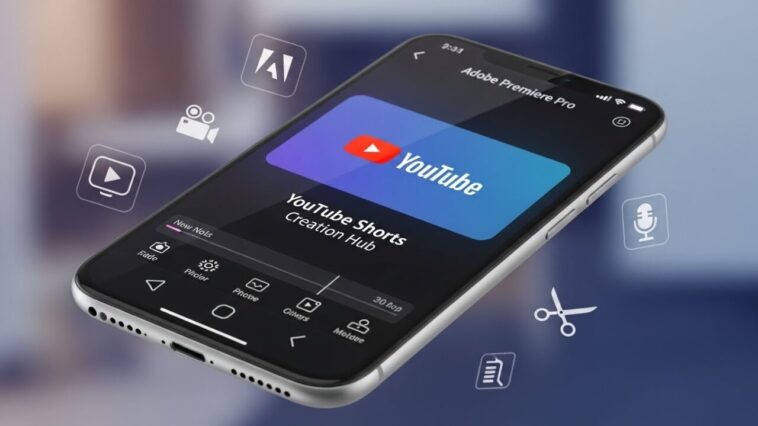
Adobe is teaming up with YouTube to launch a dedicated content creation space inside Premiere for iOS aimed specifically at YouTube Shorts creators. Announced Monday, the new hub gives creators access to exclusive templates, transitions, and effects—plus the ability to publish Shorts directly to their channels from their phones.
A Space Built for Viral, Trend-Driven Shorts
According to Adobe, the new space is designed to give creators everything they need to produce viral content, grow an audience, and jump on trending formats. Whether someone is making day-in-the-life vlogs, travel videos, or behind-the-scenes clips, Adobe says this hub is optimized for fast, engaging, mobile-first editing.

YouTube’s partnership with Adobe also strengthens creator loyalty by giving them a built-in Shorts creation space on iOS, encouraging them to use Premiere instead of rival tools like Meta’s Edits or ByteDance’s CapCut.
How YouTube’s Integration Works
Meagan Keane, Director of Product Marketing for Digital Video and Audio at Adobe, said.
“What’s unique about this partnership is that creators getting inspiration from their YouTube Shorts feed can launch a template that caught their eye directly into Premiere mobile and start customizing it for their own channel.”
Keane noted that while content edited in Premiere mobile can be shared anywhere, this feature is designed and optimized specifically for Shorts.

Read More: YouTube Introduces 6 Creative Tools for Shorts
Access to Exclusive Templates and Customization Tools
Inside the Create for YouTube Shorts space, users will find templates from top creators featuring built-in text styles, effects, and transition presets. Creators can drop in their own media, personalize the look, or even design and submit their own original templates.
To access the hub, creators need a free Premiere mobile login and a YouTube profile to publish directly to Shorts. After downloading Adobe Premiere from the App Store, they can tap the “Create for YouTube” option to enter the space.
Full Mobile Editing Workflow
Creators can upload clips from their iPhone camera roll, cloud storage, or Adobe Creative Cloud. Once inside, they can:
-
Cut and trim clips
-
Layer video and audio tracks
-
Adjust color and brightness
-
Add text overlays and captions
After editing, they follow the export prompts and upload the finished short straight to YouTube.
Read More: YouTube Introduces Timer to Help You Limit Shorts Scrolling
Advanced Creative Tools Powered by Adobe
Keane adds that the latest tools—including templates, transitions, effects, and the new Shorts space—will benefit both seasoned creators and newcomers. Premiere Mobile now offers:
-
Studio-quality audio
-
AI-generated sound effects
-
Precision multi-track editing
-
Firefly AI content generation
She says these upgrades make producing and sharing content “easier and faster,” supporting Adobe’s goal of empowering creativity for all.