Hajra Naz
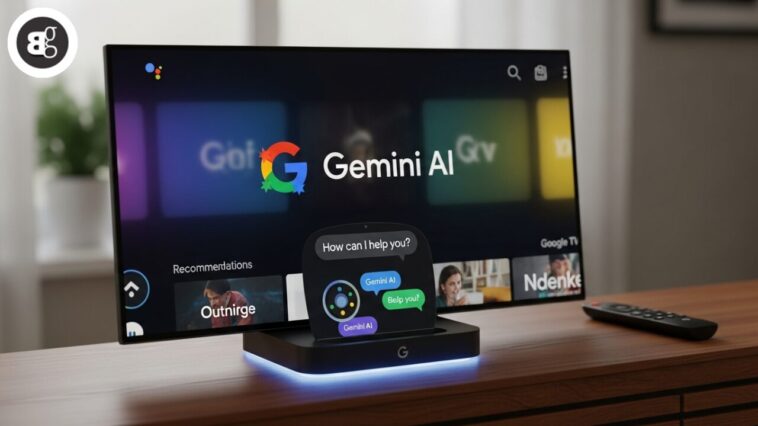
Google announced on Monday that it is rolling out Gemini to the Google TV Streamer, replacing Google Assistant. The update allows users to use their voice more naturally to find content and do more on their TVs.
For example, users can ask:

“I like dramas but my wife likes comedies. What’s a movie we can watch together?”
Or, users can catch up on shows with a command like:
“What happened at the end of Outlander last season?”
Users can also ask:
“What’s the new hospital drama everyone’s talking about?”
Google says Gemini for TV goes beyond entertainment. Users can ask general questions, just like they do with Gemini on their phones.
For example, parents can ask:
“Explain why volcanoes erupt to my third grader.”
Gemini can also guide users through DIY projects or recipes using YouTube videos.
To use Gemini on the Google TV Streamer, press the remote’s microphone button.
The update is rolling out over the next few weeks to users aged 18 and older.
Read More: Stop Drowning in Tasks: How Google Gemini AI Can Be Your Ultimate Time-Saving Tool
This rollout follows Google’s September announcement, which introduced Gemini for select TCL devices. Later this year, Gemini will be available on 2025 Hisense U7, U8, UX models and 2025 TCL QM7K, QM8K, X11K models.
Besides the Google TV Streamer, Gemini is also on the Walmart Onn 4K Pro streaming device.
This move is part of Google’s plan to replace Google Assistant with Gemini across all devices and platforms. The company had also announced at CES in January that Gemini AI would come to Google TV in 2025.
FAQs
1. What is Google Gemini on TV?
Gemini is Google’s AI assistant for TVs. It replaces Google Assistant and lets you use voice commands naturally.
2. Which devices support Gemini for Google TV?
Gemini works on Google TV Streamer, select TCL devices, 2025 Hisense U7/U8/UX models, 2025 TCL QM7K/QM8K/X11K, and Walmart Onn 4K Pro.
3. What can I ask Gemini on my TV?
You can ask for movie suggestions, show recaps, DIY guides, recipes, or even learning questions for kids.
4. How do I activate Gemini on Google TV?
Press the microphone button on your remote and speak your command.
5. When will Gemini be available on my TV?
The rollout is happening over the next few weeks for users aged 18+. Availability depends on your device model.